 orecast
A few days ago we launched find talk on the web. Now it arrives where most of you use ORECAST: in the app. With version 1.0.6 for iPhone and Android you can like, comment on and discuss other collectors’ finds right in the app.
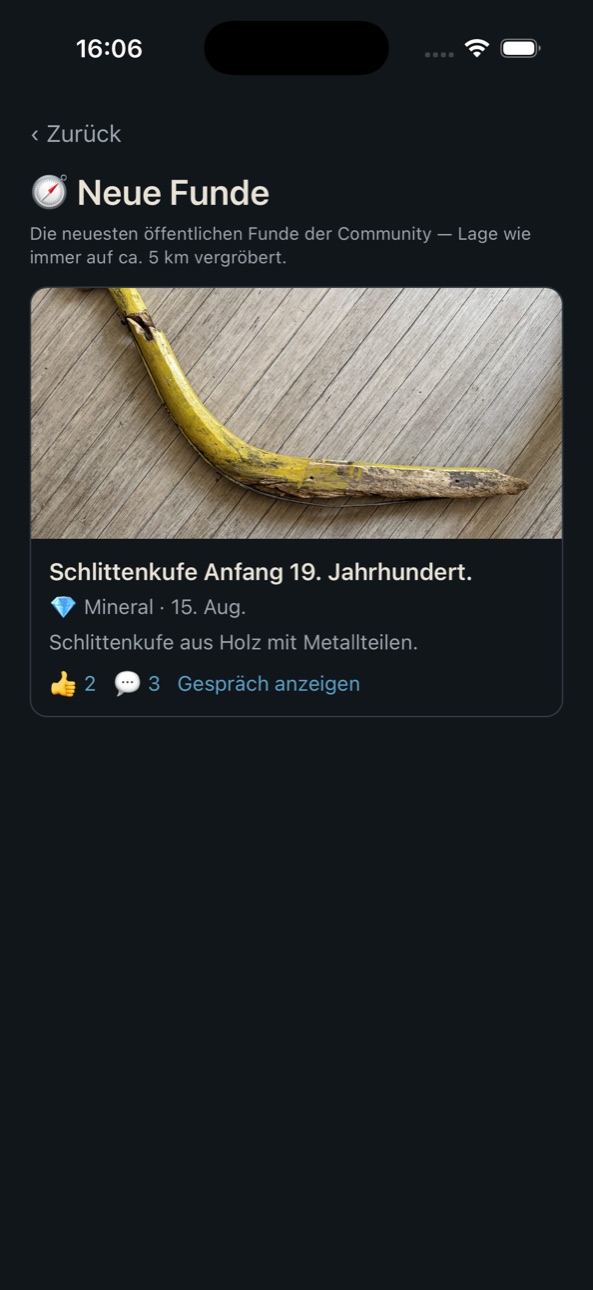
Discover new finds
The new “New finds” section shows the community’s latest approved finds, with photo, like and comment counts. One tap unfolds the conversation right below. As always: positions are coarsened to about five kilometres; the exact spot remains the finder’s secret.
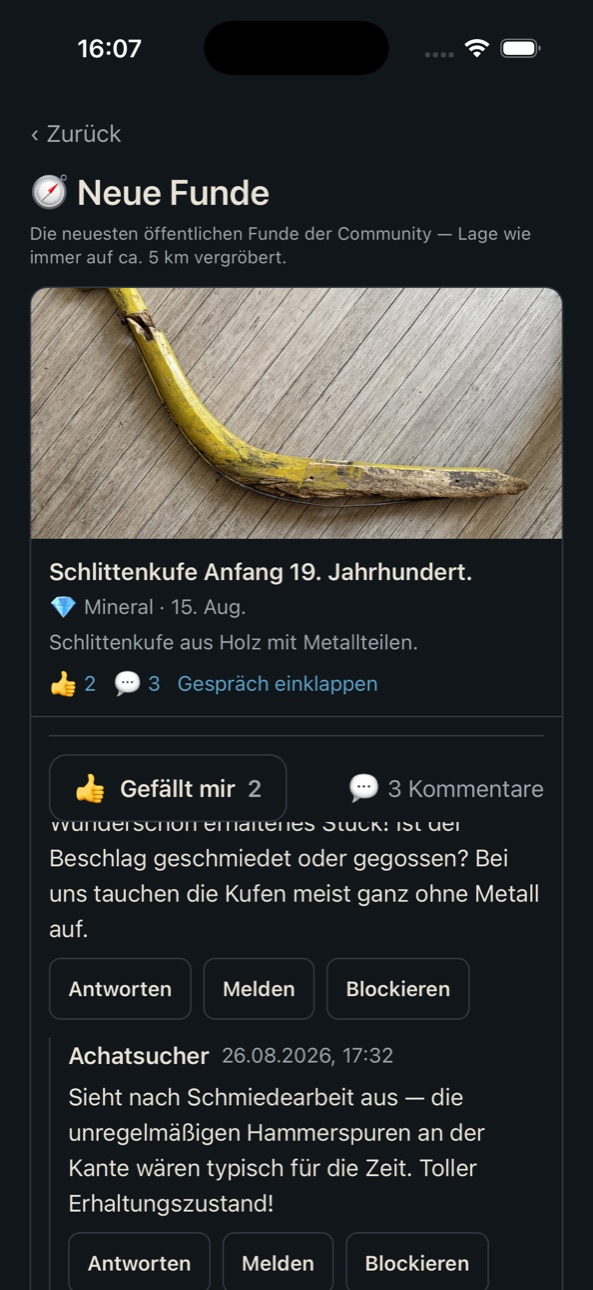
Join in, safely
Every comment passes an AI check before it goes live. It blocks insults as well as attempts to leak precise locations, coordinates in any notation included. Reporting and blocking are built in from day one, and whoever published a find gets to keep their conversation tidy: reply, delete, moderate.
Report a find from home
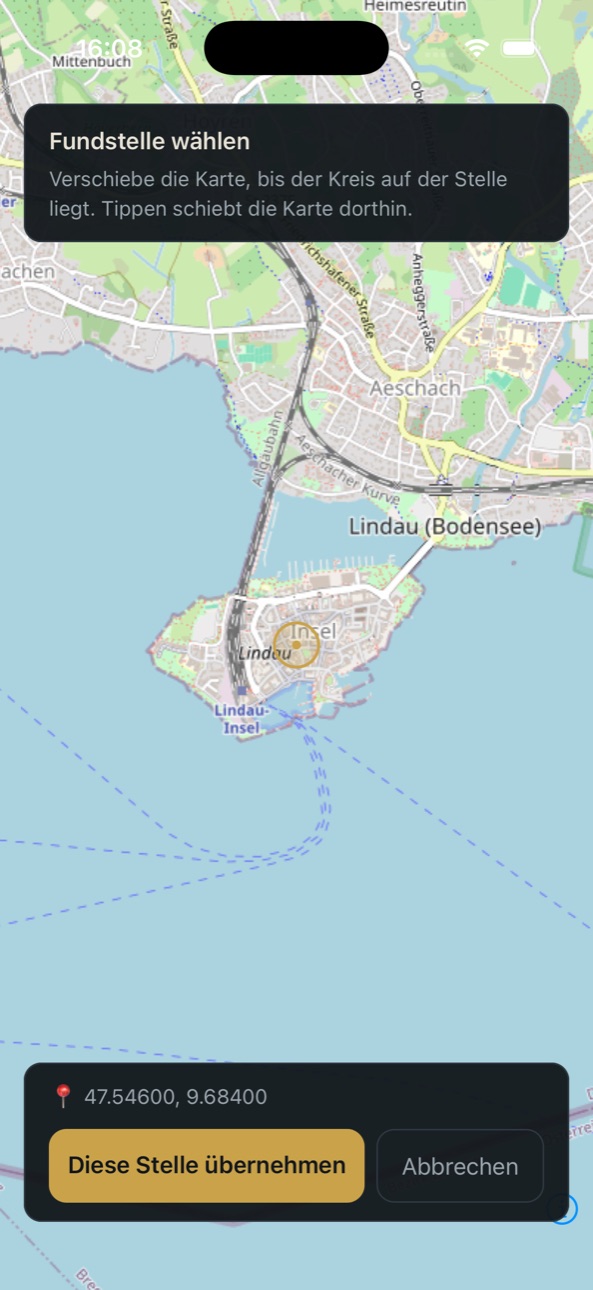
Reporting a find used to require your GPS position on site. Now you can simply pick the position on the map , which helps if you log your find in the evening.
Also in 1.0.6
A dedicated war/WWII layer in the map legend (with an unexploded-ordnance warning on affected points), larger scrollable find cards and a GPS fix when reporting finds.
The update is available now: ORECAST on the App Store · ORECAST on Google Play. We look forward to your finds and to the first conversation about them.